Digital delivery
After a successful purchase, your eSIM details are delivered to your account and email—no physical SIM or store visit required.
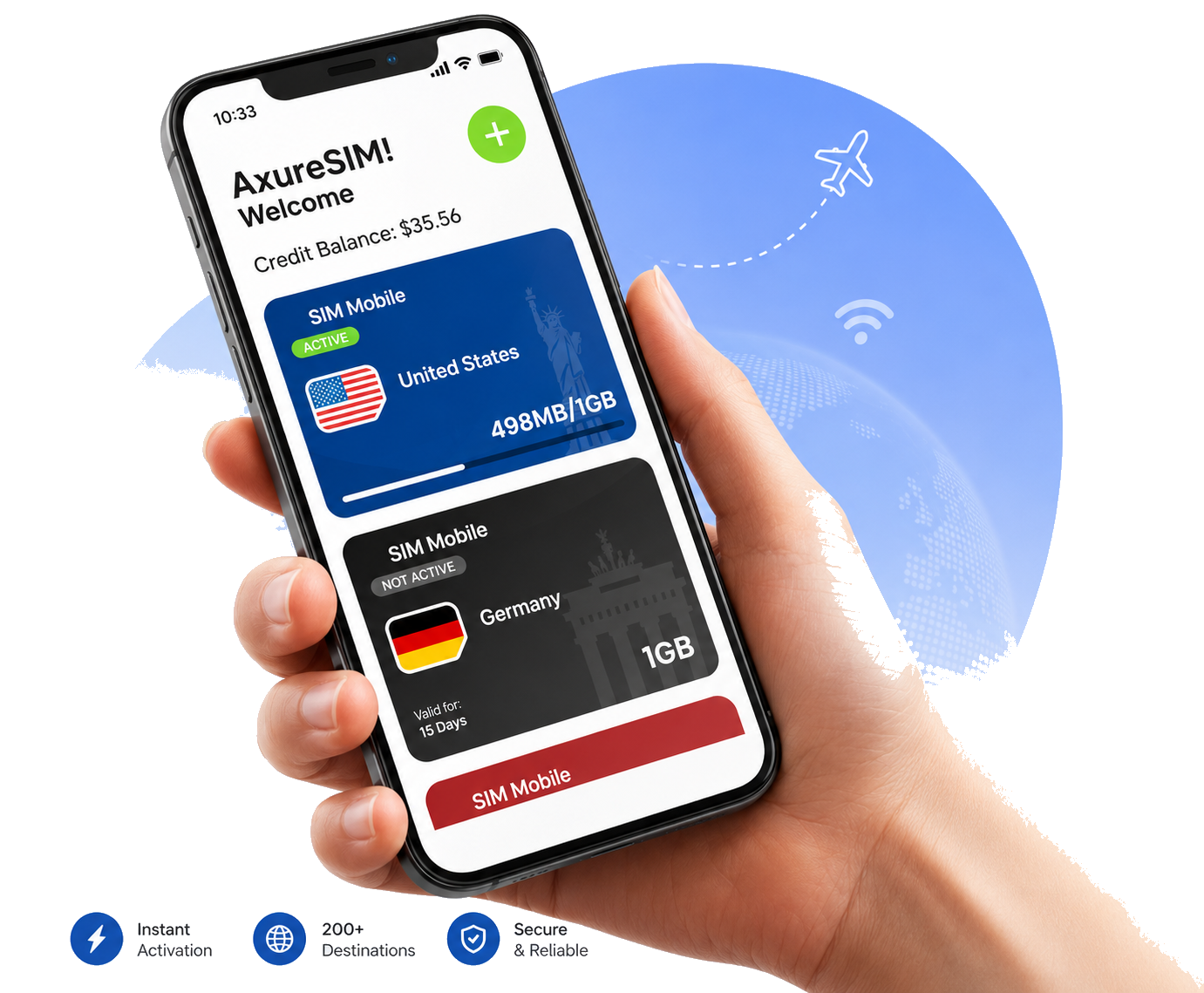
Get prepaid mobile data for your trip in minutes and avoid expensive home-carrier roaming charges in more than 200 destinations.

Explore prepaid eSIM plans for our most requested destinations.












Flexible travel data plans with instant digital delivery.
Stay online throughout your trip without watching every megabyte.
An eSIM is a digital SIM card, and most newer devices already support eSIM. It’s easy to add prepaid eSIM data packages anytime you want, right on your device.
Choose a plan, receive your installation details and connect when you arrive.
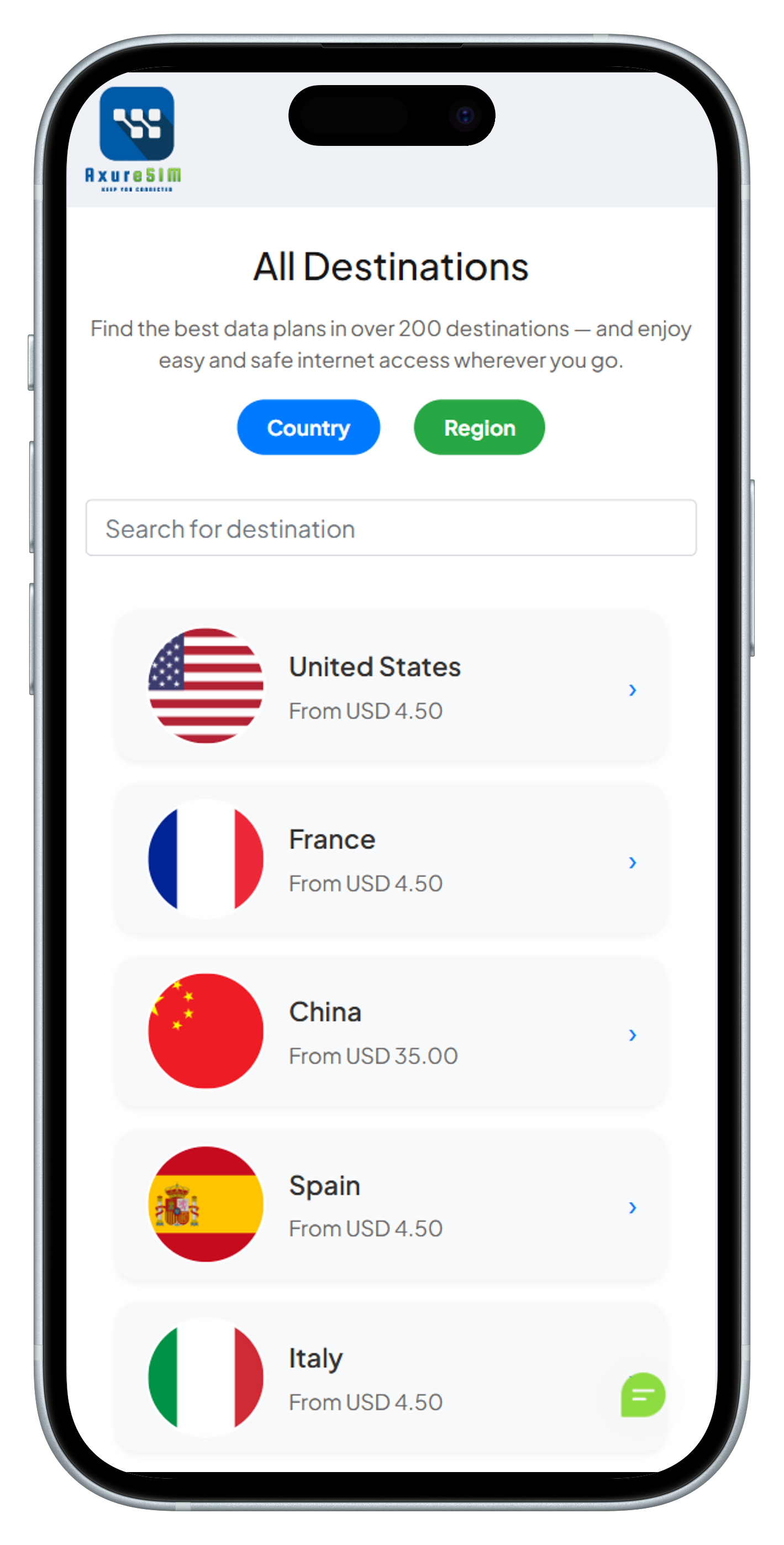
Select one of our more than 200 destinations available worldwide and choose the plan that best suits you. Make your purchase with any of our secure payment platforms.
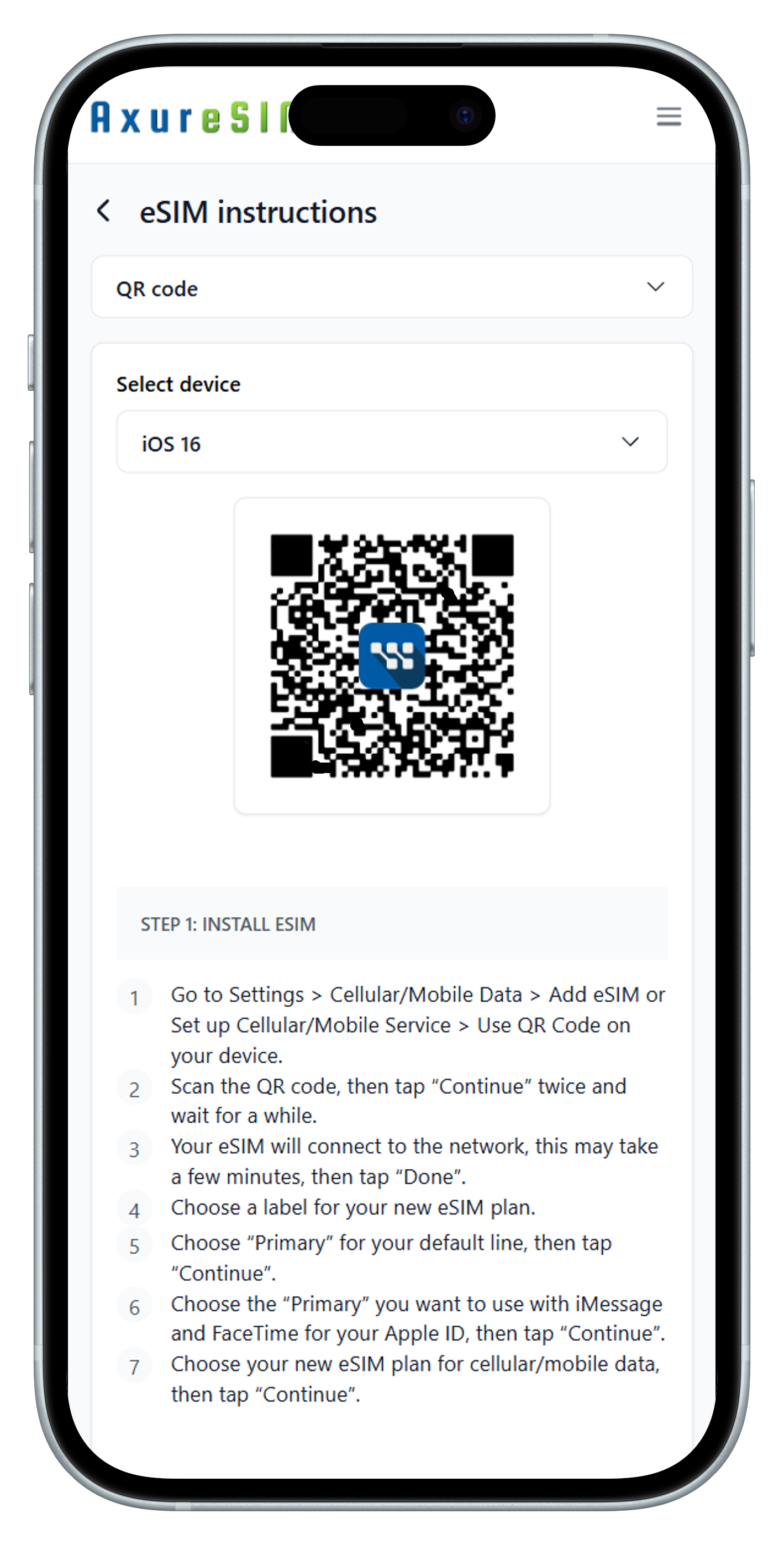
After purchase, you will receive an email with instructions to easily install and configure your eSIM.
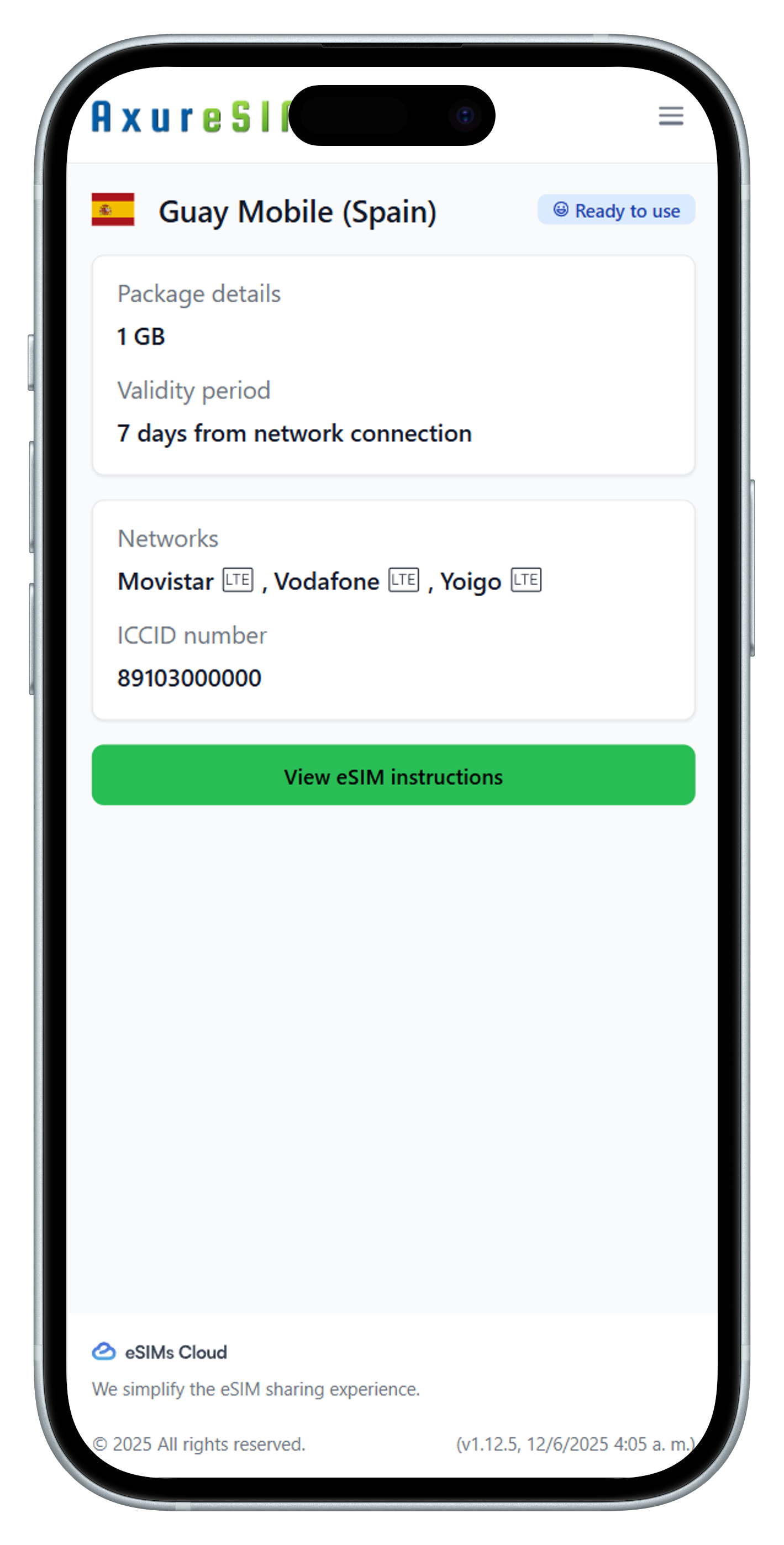
Install the eSIM in your device following the instructions. Setup will complete almost automatically, and you'll be ready to connect.
Find straightforward answers about eSIM installation, activation and device support.

An eSIM (embedded SIM) is a digital SIM built directly into your device. Instead of inserting a physical card, you download a mobile data profile. AxureSIM helps you avoid expensive roaming charges from your primary carrier while connecting in more than 200 destinations.
With an eSIM, there’s no physical SIM to insert or remove. AxureSIM’s eSIM plans let you:
Many carriers allow you to transfer your existing physical SIM profile onto an eSIM. However, each operator’s procedure varies. At AxureSIM, we recommend:
Once you complete your purchase on AxureSIM, activation is almost instantaneous. Typical steps:
Always connected to the best available network
With AxureSIM, your device automatically connects to the strongest and fastest mobile network whether it's 3G, 4G, or blazing fast 5G. Thanks to partnerships with over 800 global operators, you’ll enjoy seamless coverage in nearly every corner of the world.
Clear steps and practical support from purchase through installation.
After a successful purchase, your eSIM details are delivered to your account and email—no physical SIM or store visit required.
Install with the QR code or manual eSIM details, then follow the AxureSIM guidance for mobile data, Data Roaming and APN settings.
Use the AI assistant for immediate guidance, then escalate to AxureSIM support through WhatsApp Business or email when human help is needed.